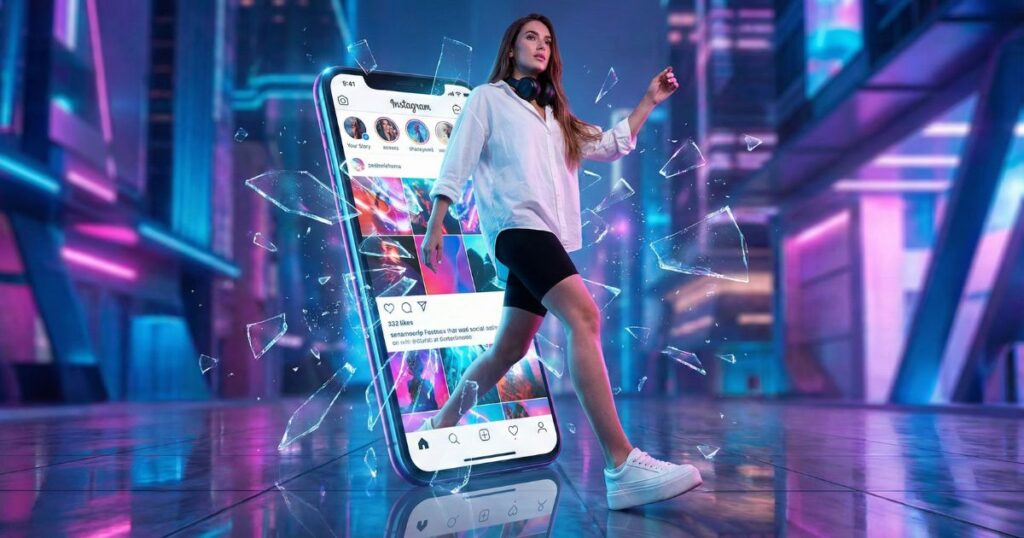
How to Generate a Woman Breaking Through Smartphone Image
Woman Breaking Through Smartphone
Step 1: Copy the Prompt for Woman Breaking Through Smartphone
Prompt to copy:
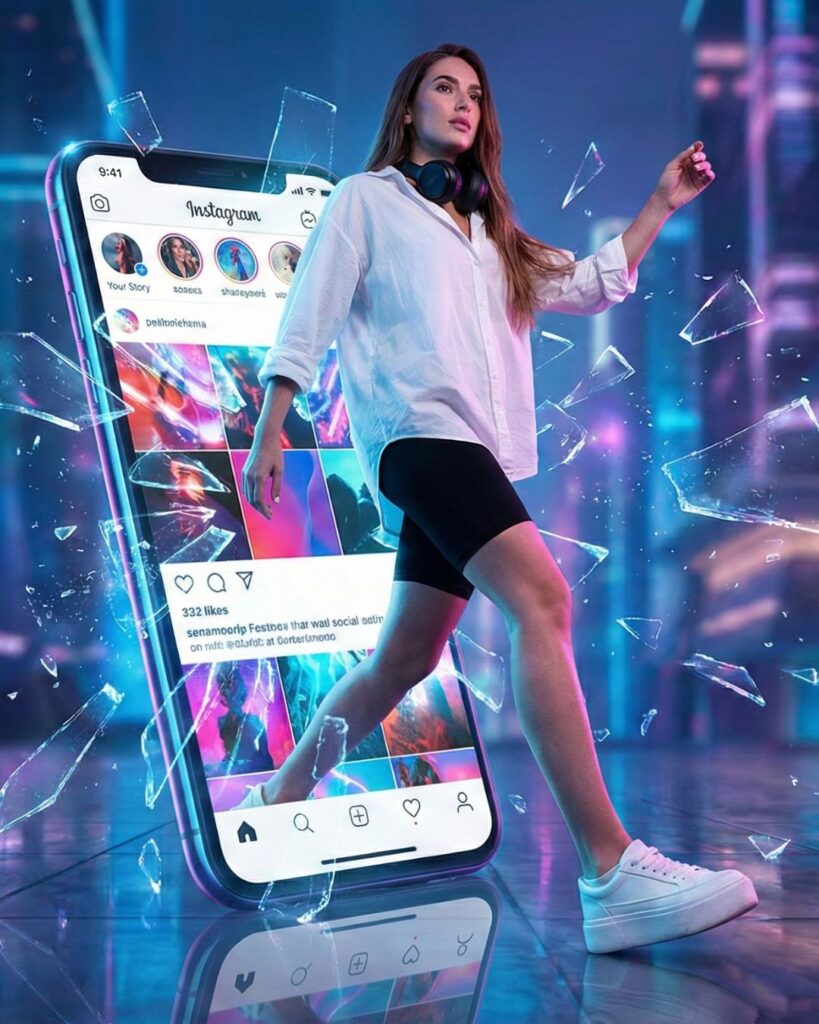
Create a hyper-realistic, cinematic scene of a stylish young woman stepping confidently through a giant smartphone screen, as if breaking out from the digital world.
She wears a white oversized shirt, black shorts, and white sneakers, with long straight hair and headphones resting around her neck.
The smartphone displays a vibrant, glowing social media interface, and as she emerges, glass shards explode outward, suspended mid-air and reflecting neon blue and pink lights.
The environment is futuristic, featuring soft blue-pink ambient lighting, a glossy reflective floor, and a high-contrast cinematic aesthetic.
Emphasize a sense of motion, digital-to-real transition, and bold visual energy.
Or you can just click on the COPY button below:
Step 2: Open Google Gemini
Go to Google Gemini on your browser. You will see the main screen and a clear text box for prompts. Gemini works well with scenes that show wide-angle aerial view, 8K imagery, and clean travel detail.
Step 3: Upload Your Photo
Upload a photo that you want to use as a guide. In this specific example, no photo was uploaded. Google Gemini was allowed to create the image without a reference.
Step 4: Paste the Prompt for Woman Breaking Through Smartphone
Paste the long prompt into the text box.
This prompt brings strong visual elements. You get a clear digital world breakout effect mixed with a futuristic aesthetic. The woman steps through the screen in a way that feels real. She stands in sharp light with neon reflections bouncing off the glossy floor. The social media interface on the phone glows with color. The glass shards explosion adds movement. Her look stays simple: oversized white shirt, black shorts, and sneakers. The cinematic lighting uses soft blue and pink tones. The scene builds a smooth digital to real transition that feels strong and bold. Her straight hair and headphones around neck add style and keep the focus on her clean design.
Step 5: Wait for Gemini to Generate the Image
Gemini will process the scene.
Closing Thoughts
Many creators use this style to explore new visual ideas. The smartphone portal effect stands out because it blends real details with a punch of color. Pairing the woman’s calm pose with a bright scene brings balance. The high-contrast look makes the hyper-realistic scene feel sharp. You can use this approach for reels, posts, or digital art. You use these steps and you will get results that fit your goal. You can use the guide again with new themes. You can also change the colors, the pose, or the lights.
This method keeps your work simple and clear. It helps you produce strong scenes with focus and shape. These steps guide you well whether you create your first woman breaking through smartphone image or try new versions later. If you stay with clean lines and strong light, your images will always stand out.
AI Image Prompts | Google Gemini Creations