How to Create a St. Vitus Cathedral Drone Shot in Gemini
St. Vitus Cathedral Drone Shot
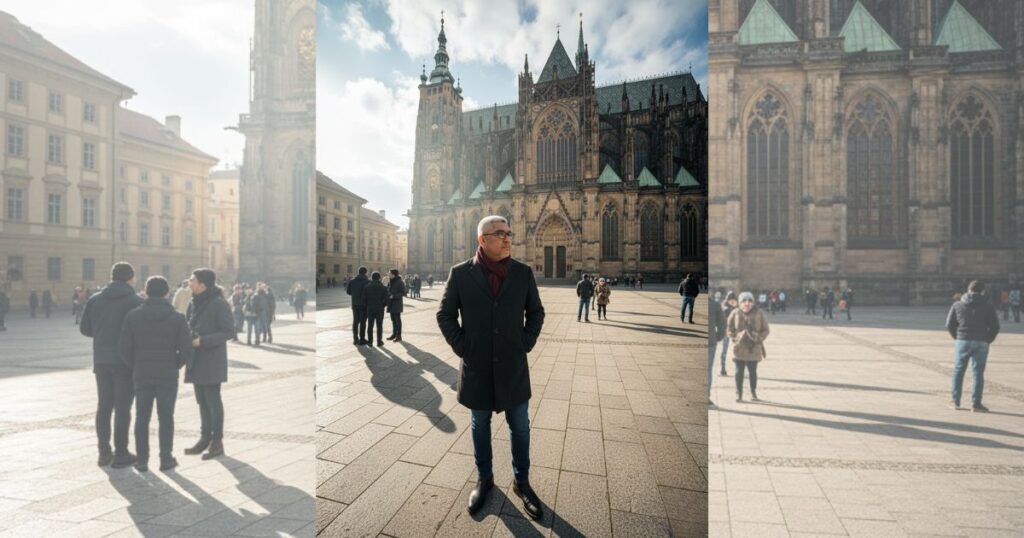
A St. Vitus Cathedral drone shot offers a strong way to show the scale of this Gothic landmark. A drone view gives clear lines, sharp textures, and a wide look at the area. Many creators use this style to show gothic architecture, Prague cathedral, and real scenes of people as they move through a historic site. This guide shows how to use Google Gemini to generate a scene based on a clear prompt that features a man in a dark coat, drone photography, and a vivid travel look.
What Is St. Vitus Cathedral?
St. Vitus Cathedral is the largest and most important church in the Czech Republic. It sits inside Prague Castle, which is one of the biggest castle complexes in the world. The cathedral is famous for its tall spires, stained-glass windows, and strong Gothic design.
Construction started in the 1300s and continued for many centuries. Because of this long history, the building shows a mix of styles, but the Gothic look is still the strongest. The cathedral also holds the tombs of many Czech kings and queens, which makes it a major part of the country’s story.
Visitors come to St. Vitus Cathedral to see its detailed stonework, large rose windows, and wide views of Prague from the castle grounds. The church is also active today and hosts important national and religious events.
In simple terms, St. Vitus Cathedral is a historic and iconic symbol of Prague. It shows the city’s rich past, its culture, and the skill of the artists who built it. If you explore Prague, the cathedral is one of the places you should see.
Step 1: Copy the Prompt for St. Vitus Cathedral Drone Shot
Prompt to copy:
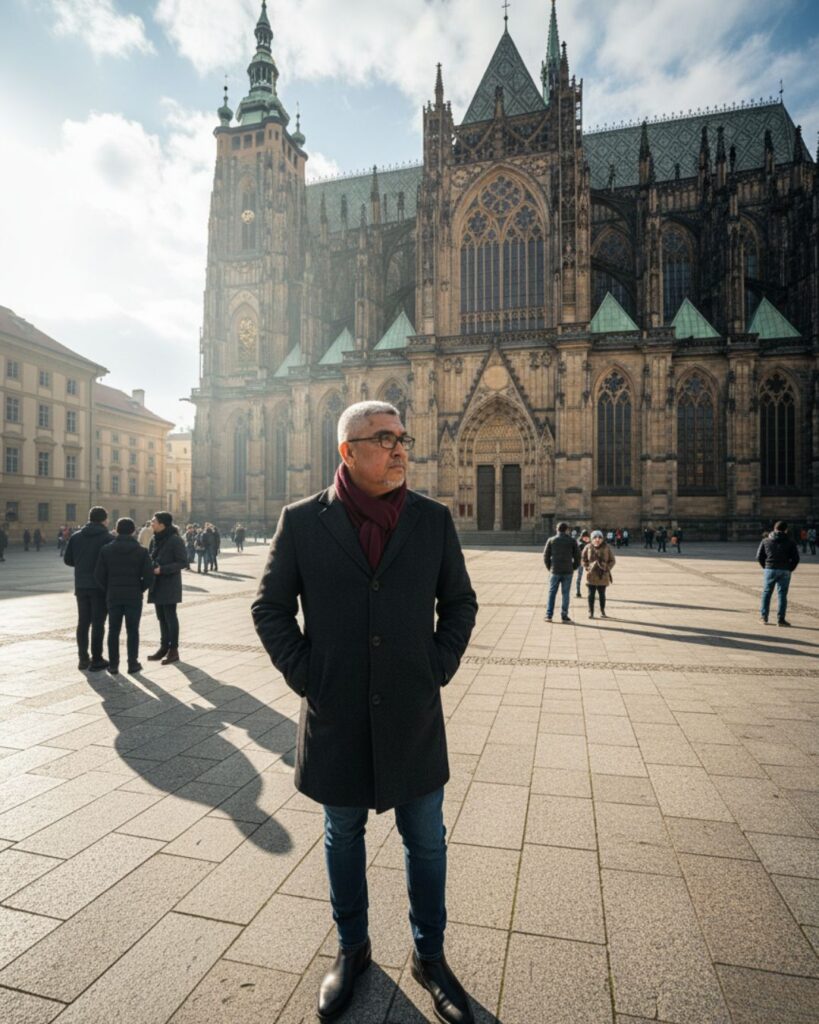
Cinematic wide-angle drone shot capturing the grandeur of St. Vitus Cathedral and its surrounding courtyard. Shot in 8K ultra-realistic detail with crisp, natural lighting and dramatic shadows that emphasize the cathedral’s Gothic architecture.
A man stands in the foreground as the primary subject, seen from above at a slight angle. He wears a dark wool overcoat, a maroon scarf, slim-fit jeans, and black Chelsea boots, with his hands tucked in his pockets. His posture suggests calm exploration.
Other tourists move through the square in small groups, adding scale and life without distracting from the main subject.
Atmosphere is vivid and cinematic—sharp textures, deep contrast, subtle reflections on stone surfaces, and soft winter air haze for depth. Color grading inspired by high-end travel films.
Or you can just click on the COPY button below:
Step 2: Open Google Gemini
Go to Google Gemini on your browser. You will see the main screen and a clear text box for prompts. Gemini works well with scenes that show wide-angle aerial view, 8K imagery, and clean travel detail.
Step 3: Upload Your Photo
Upload a base photo if you want Gemini to match colors or mood. Many users upload images with stone paths, soft shadows, or city textures to match travel photography themes.
Step 4: Paste the Prompt
Paste the full prompt into the text box. The prompt gives strong cues on the man’s outfit, the layout of the cathedral grounds, and the presence of tourist scene elements. It also supports details like cinematic drone shot, architectural exploration, and ultra-realistic lighting.
Step 5: Wait for Gemini to Generate the Image
Gemini will process the scene. It builds the Gothic spires first, then the courtyard, then the subject. It also sharpens the stone and adjusts light to reach an 8K imagery look.
Closing Thoughts
A St. Vitus Cathedral drone shot works well for travel art, history features, and visual stories. It captures a man in simple style, the flow of other visitors, and the full shape of the cathedral. Use this workflow to build fresh images that highlight Prague cathedral, gothic architecture, drone photography, and clean travel scenes.