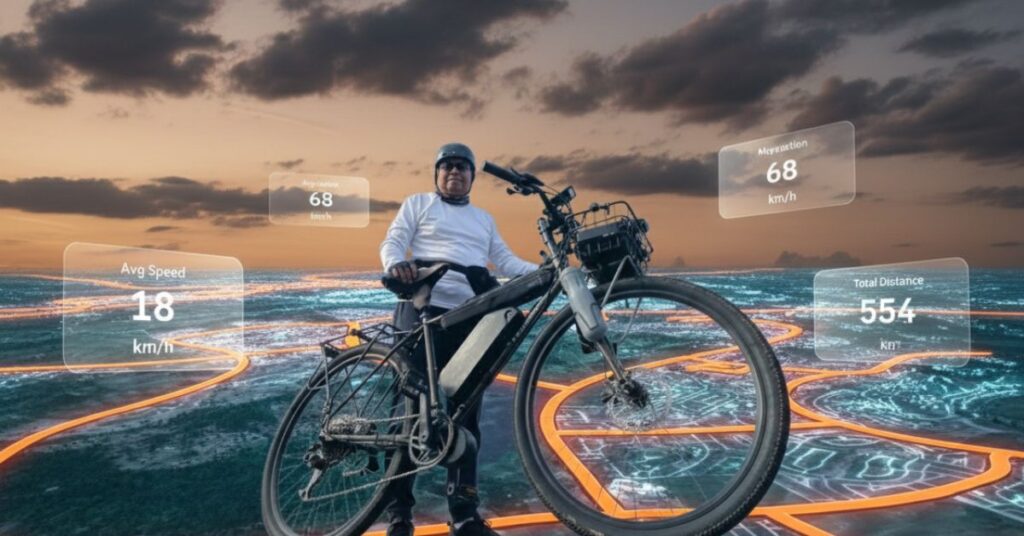
Cinematic Strava cycling image using a 3D Strava map
This blog post explains how to create a Cinematic Strava cycling image using Google Gemini. The goal is simple. You combine real photos with fitness data to tell a clear cycling story. The image style blends cycling effort, map data, and modern tech visuals. This method works well for blogs, cycling features, and creative fitness content. It also supports search visibility through clear structure and strong keyword use.
The process focuses on cinematic cycling image design, Strava map visualization, and clean cycling data visualization. You will see how a glowing route, real rider, and clear stats work together in one image.
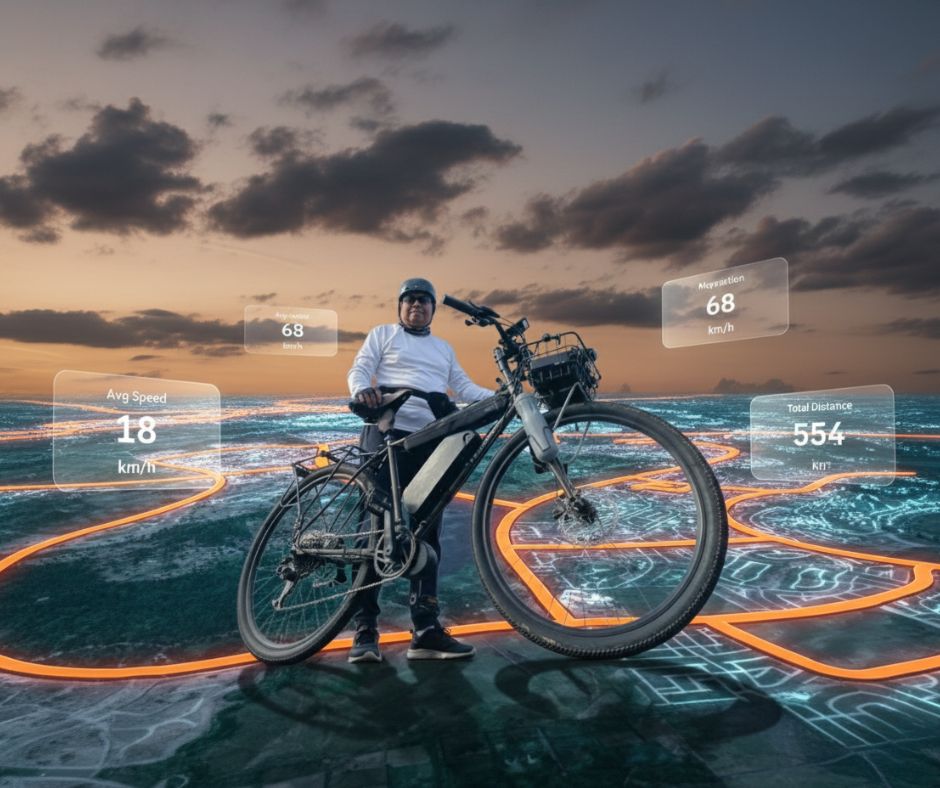
Step 1: Copy the Prompt for Cinematic Strava Cycling Image Using A 3D Strava Map
Start by copying the full text of your prompt. You will use it later inside Gemini. The prompt helps Gemini create a Cinematic Strava cycling image using a 3D Strava map.
Copy this full prompt:
Combine these two photos into a cinematic, photorealistic image.
Use the Strava map route as the ground surface, transformed into a glowing 3D terrain with correct perspective and scale.
The cyclist and bike should be realistically grounded on the map with accurate shadows and lighting.
Add subtle holographic Strava-style data overlays (speed, distance, elevation) floating naturally in the air.
Low-angle shot, dramatic sky, cinematic lighting, ultra-detailed, realistic proportions.
Or you can just click on the COPY button below:
Step 2: Open Google Gemini
Open Google Gemini in your browser. Make sure image generation is available.
Step 3: Upload Your Photos
Upload the two source images. One image should show the cyclist. The other should show the Strava map or route data. These images form the base for the photorealistic AI image.
Step 4: Paste the Prompt
Paste the enhanced prompt into Gemini. The clear structure helps AI image generation follow each rule.
Step 5: Wait for Gemini to Generate the Image
Wait while Gemini processes the request. The result should show glowing map terrain, a rider with proper shadows, and clean fitness data overlays. The final output often feels like AI-generated cycling art with a strong sense of motion and effort.
Why This Cinematic Strava Cycling Image Prompt Works
This approach blends Strava cycling stats with real photography. The low-angle view adds strength. The glowing route shows distance and effort. The floating panels support bike ride performance data without clutter. The style fits cycling technology art, endurance cycling visuals, and cycling analytics design. The image also works well as Strava-inspired artwork for blogs and social posts.
Closing Thoughts
A Cinematic Strava cycling image turns raw ride data into a visual story. The method stays clear and repeatable. It supports blogs that focus on cycling data visualization, low-angle cinematic photography, and modern fitness design. With a strong prompt and simple steps, Google Gemini helps turn rides into images that inform and inspire.
Digital Art Tutorials | Google Gemini Creations | Cycling Technology & AI Art