Steps to Generate an Artistic Fashion Portrait with Realistic Lighting
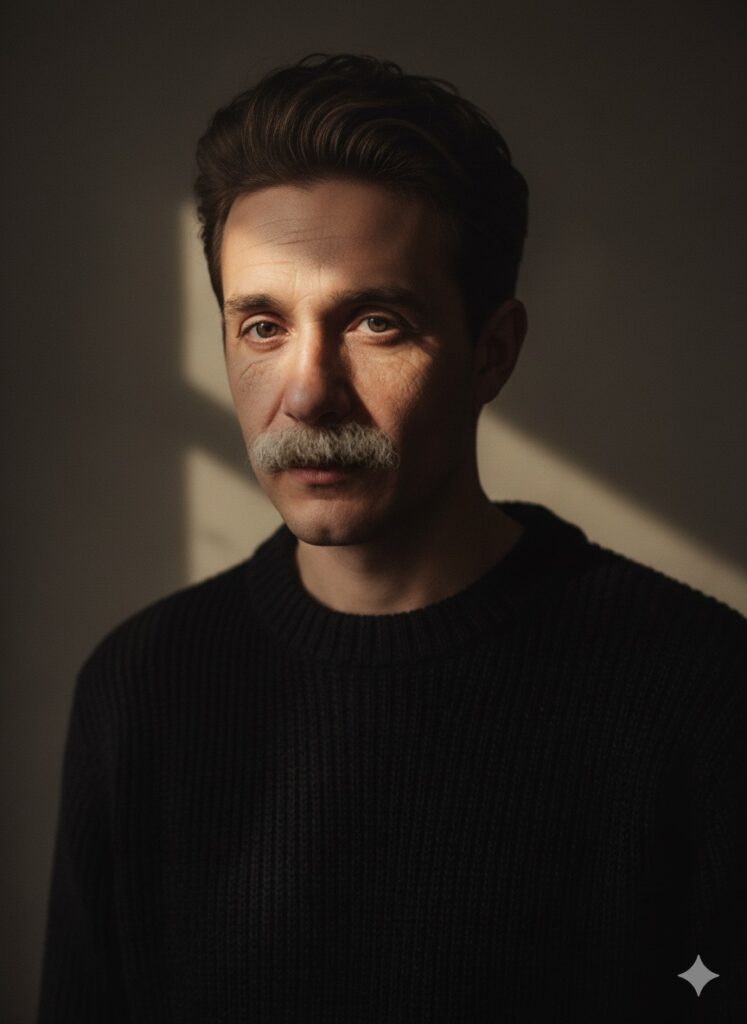
Artistic Fashion Portrait Image Creation Prompt.
How to create your own artistic fashion portrait
Step 1: Copy the Prompt
Copy this full prompt:
Transform the uploaded photo into an artistic high-fashion portrait of a young man wearing a luxurious black sweater made of thick, textured knit fabric. Keep the original face unchanged, preserving all unique facial features and expressions.
Illuminate the scene with dramatic side lighting, allowing a narrow beam of sunlight to fall across his face, creating a striking chiaroscuro effect that highlights depth and texture. The background should be minimalist, somber, and elegant, inspired by luxury magazine editorial photography.
Maintain a slightly shallow depth of field, keeping the head subtly out of focus to evoke sophistication and mystery. The overall style should feel cinematic, refined, and highly detailed, rendered in ultra-realistic 8K resolution with soft, professional color grading and a studio-quality finish.
Or you can just click on the COPY button below:
Step 2: Open Google Gemini
Visit Google Gemini in your browser and sign into your account.
Step 3: Upload Your Photo
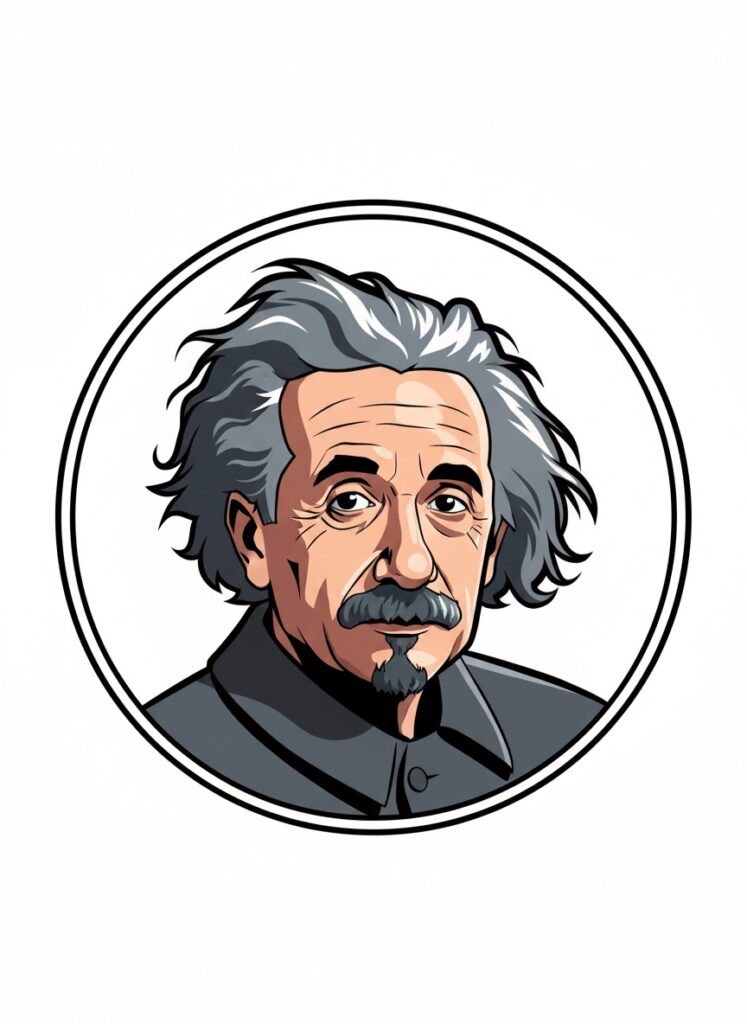
Choose a clear image of a man, showing his full face and expression. The original face must remain unchanged. In our creation, we used the image of Albert Einstein.
Step 4: Paste the Prompt
Copy the full prompt above. Paste it into the image generation field in Gemini. Make sure you include every detail: thick textured knit, dramatic side lighting, narrow sunlight beam, minimalist background, cinematic finish.
Step 5: Wait for Gemini to Generate the Image
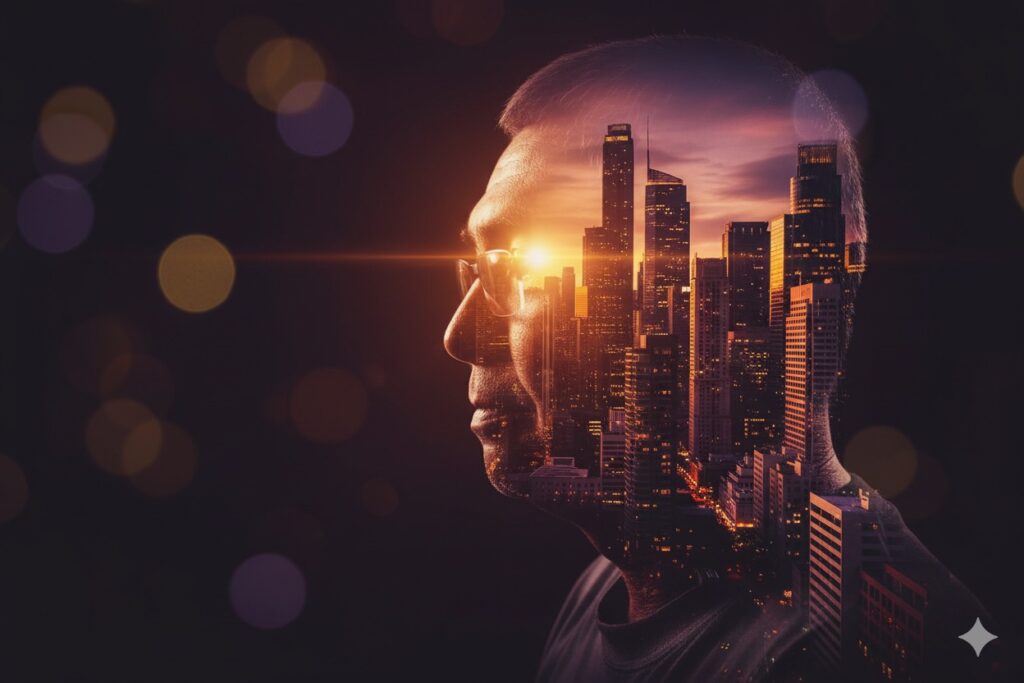
Gemini will output an image that matches the description: a young man in a black textured sweater framed by dramatic light and shadow, set against a somber, elegant background. The result gives a luxury magazine look, a refined and modern twist on fine-art and fashion photography.
Why this method works
The clear instruction in the prompt helps the tool understand exactly how you want the image to look. By focusing on texture, lighting, and mood you anchor the visual style. The artistic fashion portrait result combines the feel of high-fashion editorial shoots with the clarity and detail of studio work. Using the black textured sweater in the description draws attention to fabric and form. The dramatic side lighting and chiaroscuro lighting deliver deep contrast and shape. A minimalist background keeps the focus on the subject’s face and the textured knit of the sweater. High resolution and studio-grade color finish ensure a professional polish.
For creators, this method gives a repeatable process: pick your photo, paste the prompt, adjust if needed, and you have an image that balances style and precision. The blend of luxury fashion, cinematic portrait, and fine art photography makes the result suitable for editorial work, portfolio use, or striking social-media visuals.
Artistic Fashion Portrait Final Words
If you want to produce a standout image, follow each step carefully. Keep the photo clean and clear. Use the prompt exactly. Let Gemini run its process and trust the result. With this method you will achieve an artistic fashion portraitthat speaks of style, texture, light, and mood — a modern image ready for high-end use.
AI Image Prompts | Google Gemini Creations