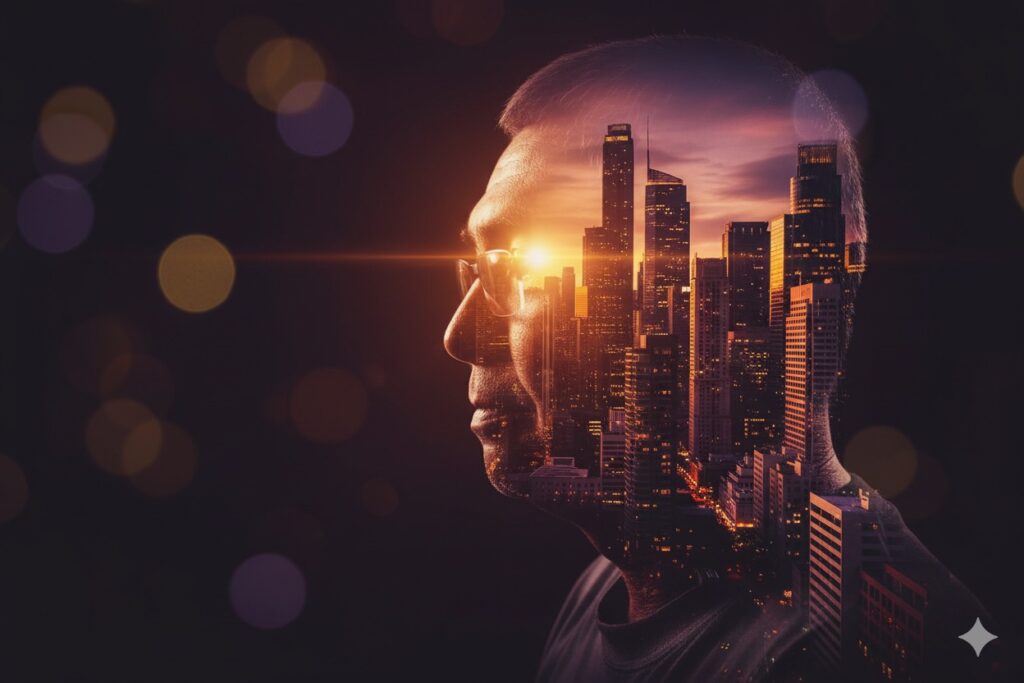
Step-by-Step Guide: Make Your Own Vector Art Portrait
Vector Art Portrait Step-by-step guide with the exact prompt included
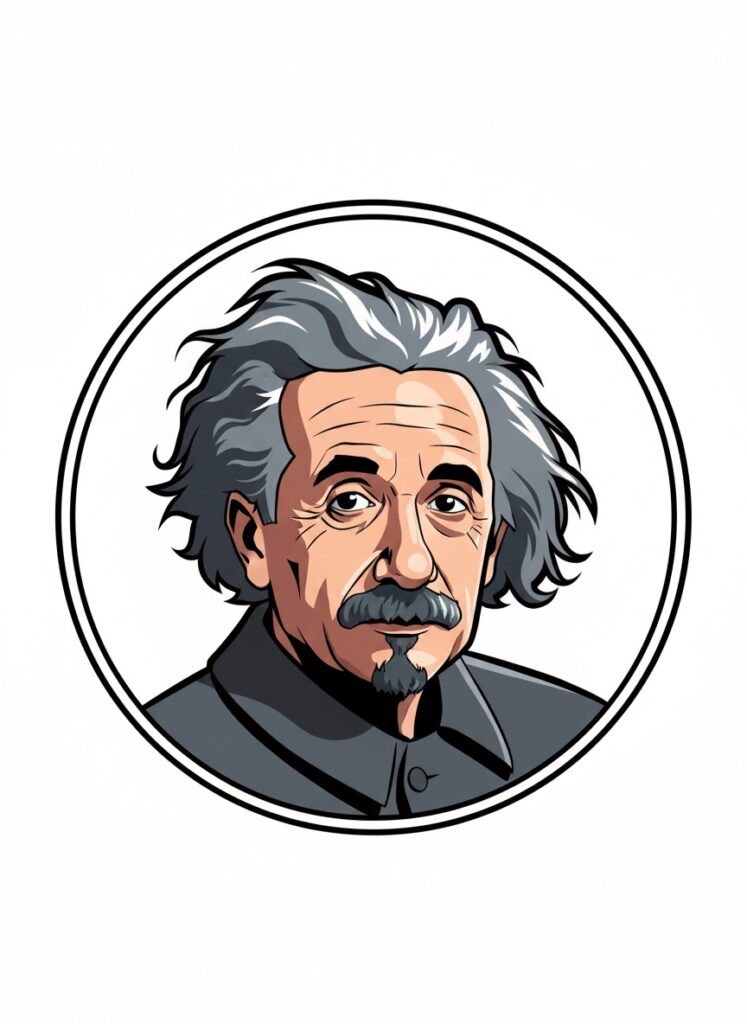
You can use Google Gemini to turn your photo into a fun vector art portrait. Follow these steps. Keep this page open and copy the prompt below.
Step 1: Copy the Prompt
Copy this full prompt:
Transform the uploaded photo into a bold, high-contrast vector art portrait featuring the subject from the chest up inside a thin white circular frame. Use a modern cartoon-caricature style with clean line work and solid color fills. Slightly exaggerate facial features to show expression — defined eyebrows, crisp eye details, and a thin dark beard. Hair appears dark, neat, and full with simple highlights. Apply thick dark outlines around the entire figure and key details to create a graphic novel or premium sticker effect. Use vibrant colors with subtle shadow shapes. Keep the background simple or transparent.
Or you can just click on the COPY button below:
Step 2: Open Google Gemini
Go to Google Gemini. It supports fun digital projects like vector art portrait style images. You can also make cartoon portrait, caricature style art, and sticker style art with it.
Step 3: Upload Your Photo
Pick a clear chest-up shot. A photo with a strong face angle works best for solid color blocking and clean line art. Upload it inside Gemini. Make sure your face looks sharp. Keep your hair and expression clear, too.
Step 4: Paste the Prompt
Paste the prompt into the text box. You can add more detail if needed. Keep focus on a bold graphic look. This helps Gemini produce strong digital illustration results with bold outlines and a simple look.
Step 5: Wait for Gemini to Generate the Image
Gemini creates your vector art portrait in a short time. You will see a unique piece with a fun style similar to graphic novel style art. It shows bright shapes and clear edges. You can save the result or make more digital character illustration projects with new photos.
Vector Art Portrait
Creating art like this feels great. You use your own photo and see it change into a colorful design that feels fun and fresh. Try one, then try more styles to explore new looks and moods. Each result brings a new version of you. Big eyes, clear shapes, and smooth shadows give your face bold energy. This style works well for profile images, gifts, and social posts. You can test bright colors, thick lines, and strong features in each picture. Your face fits well in this bright cartoon format with bold shapes and clean lines that draw attention. Share your creation with friends or make a full set. Enjoy your new vector art picture today and keep making more strong digital images!
AI Image Prompts | Google Gemini Creations